Sales follow-up template
1.
Template Overview & Architecture
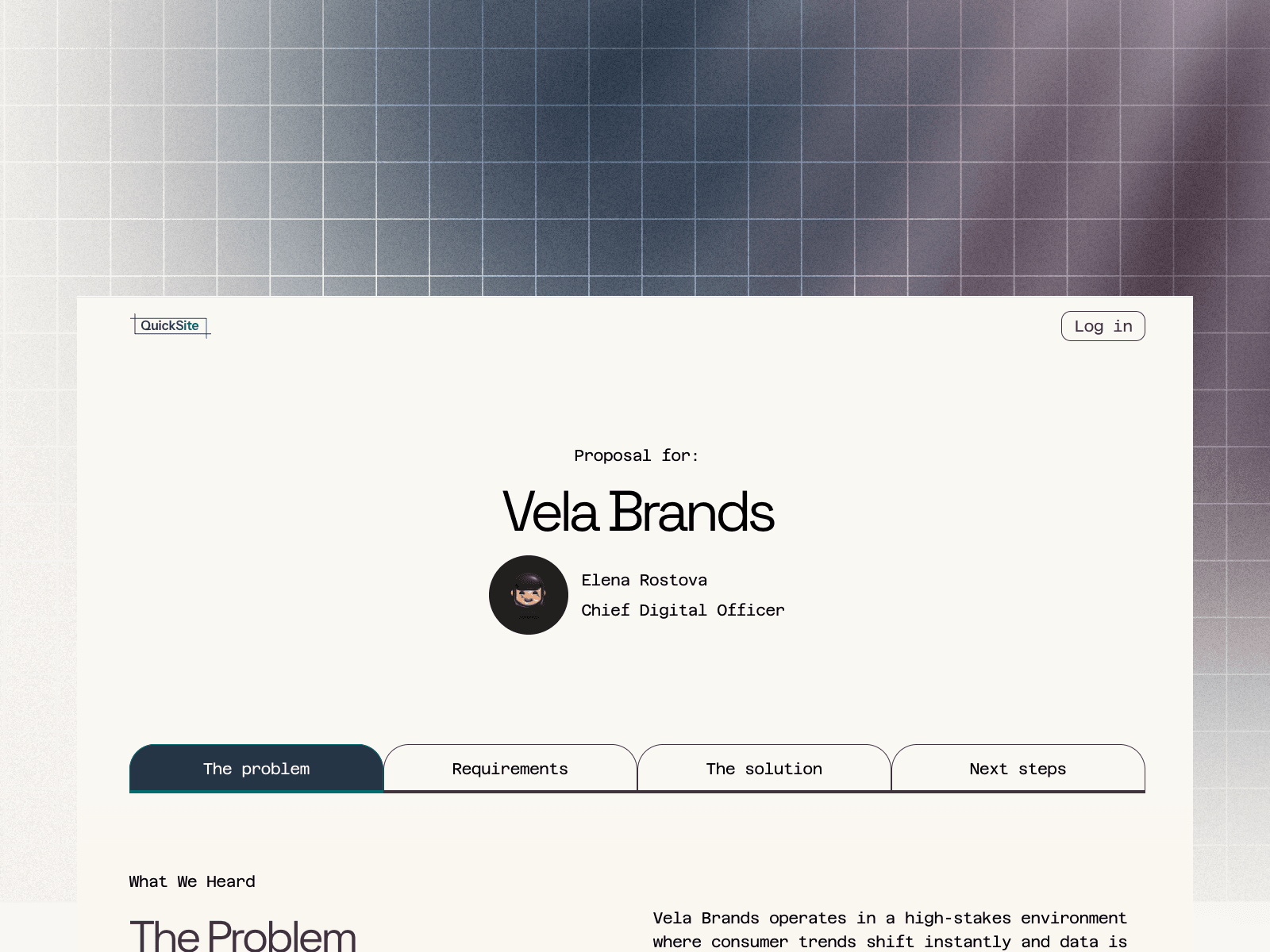
This template replaces rigid slide decks with a highly personalized web experience for your sales leads. Moving your post-call proposals to digital proposals gives you real-time editability, engagement analytics, and a premium interface built to close deals faster.
Page Architecture
Homepage (/)
Functions as an Access Restricted Fallback. If a curious lead modifies their unique URL to look at your root domain, they won't see much—including any list of your other prospects. They will simply land on a secure screen informing them that the site is private.
Template (/template)
A template to create a bespoke proposal for your lead. Duplicate this page for every new lead to create a separate proposal page.
Examples (/example-[name])
We've provided a few examples to show what a proposal could look like using the template.
Automatic privacy settings
Search indexing is turned off for the entire site. Google and other search engines are blocked from reading or showing your private client pages in public search results.
404
Standard utility page for broken-link management.
2.
Key Components & Customizable Features
This fully customizable and interactive template is built in Framer for maximum site speed and flawless performance. Beyond updating the template with your firm's logo, text, links, and images, many of the core components can be tailored to match your brand's specific look and feel.
Global design styles
Update typography, colors, and branding elements across the entire site instantly using the global style panel. Do this on the master template page first so all future duplicates inherit your brand identity.
Fluid responsiveness
Built-in breakpoints optimized for Desktop, Tablet, and Mobile to ensure your sales presentation looks exceptional whether a prospect reviews it on an office monitor or a phone.
AI-optimized copy framework
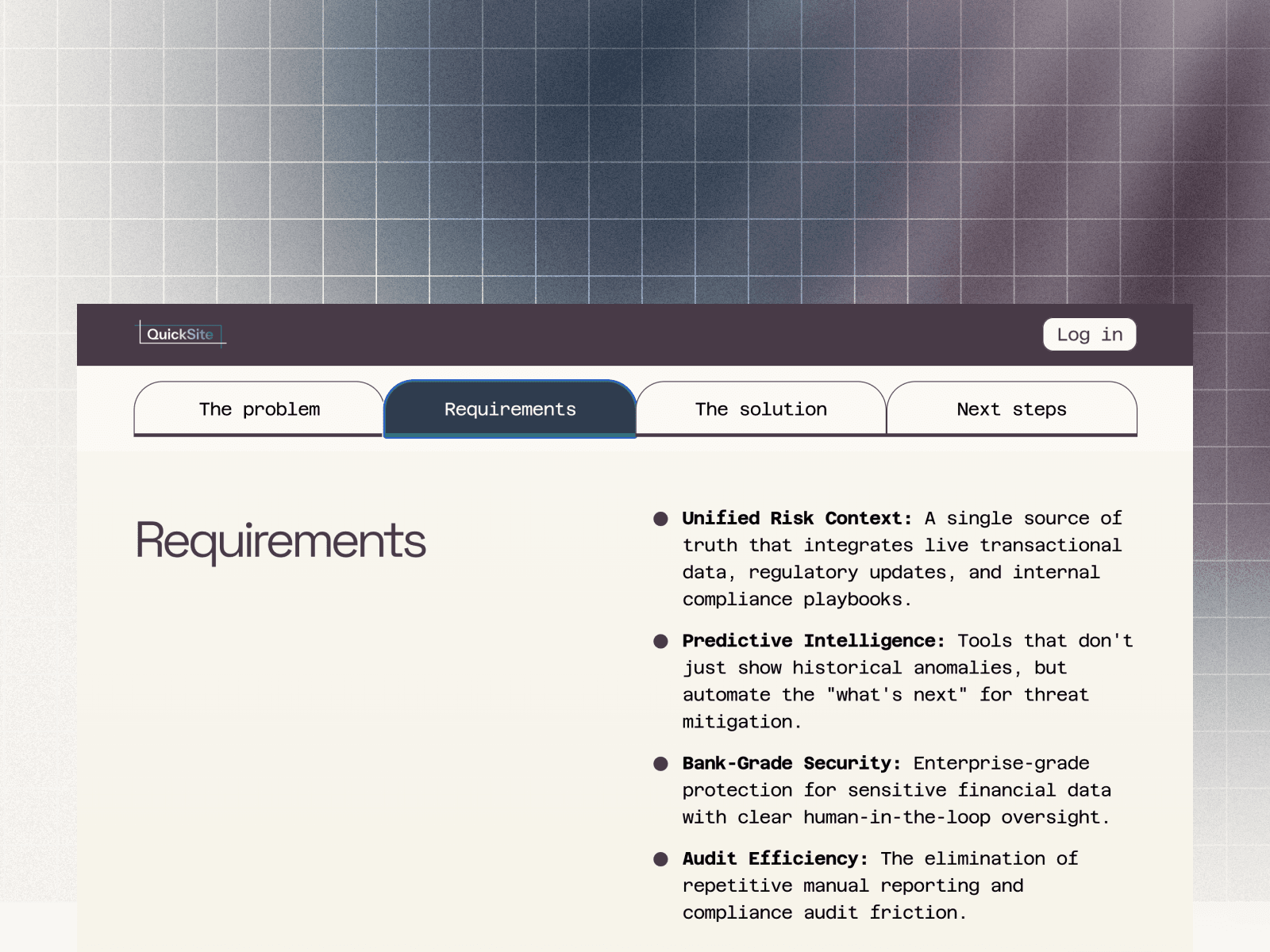
The page layout is structured to match common sales call structure. Right after a call wraps up, take your AI-generated call summaries to format them into the pre-designed sections using tools like Gemini, Claude, and ChatGPT.
Dynamic header sticky tabs
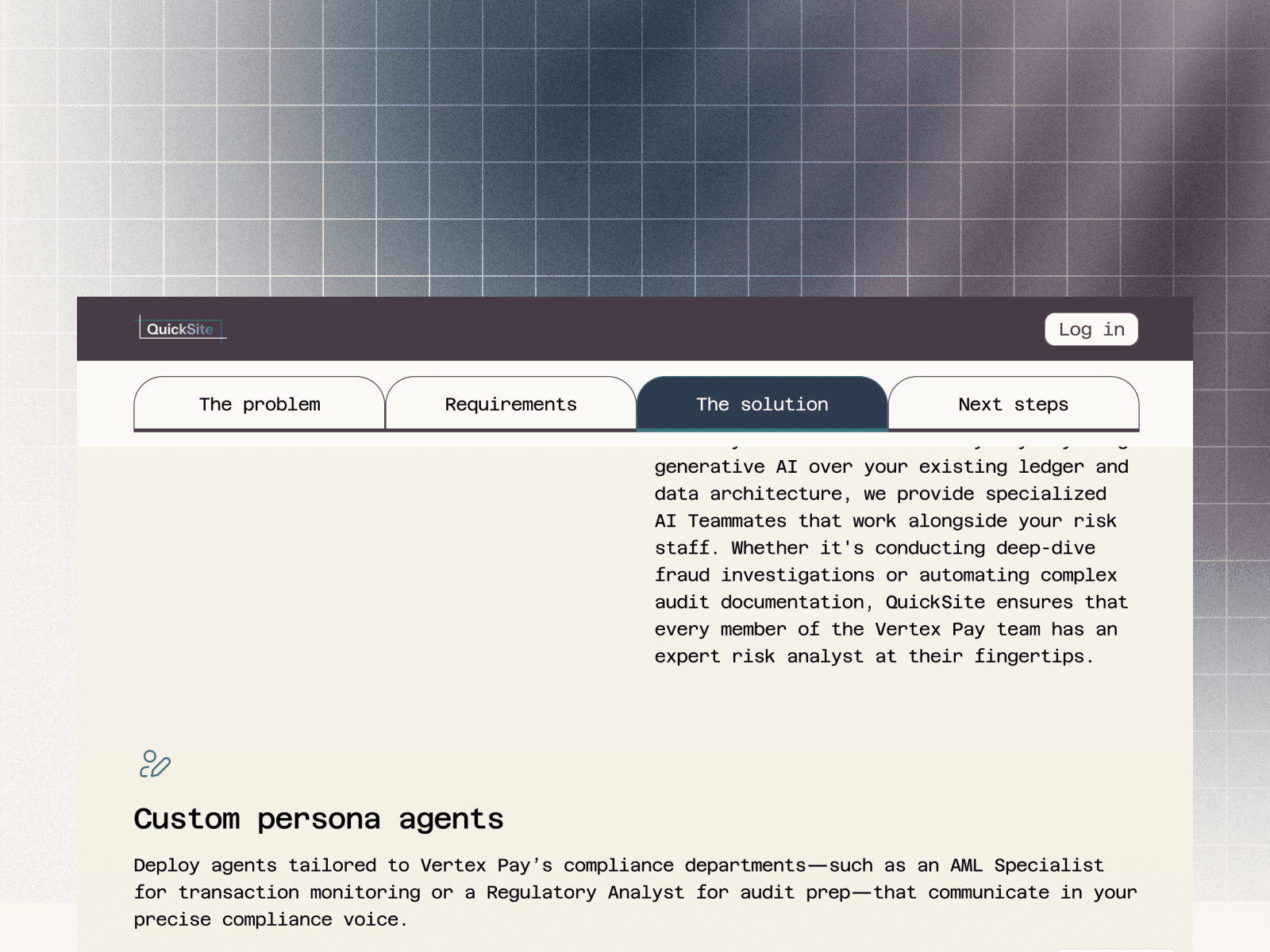
Features an inline navigation bar (The Problem, Requirements, The Solution, Next Steps) that anchors smoothly to specific sections of the proposal as the prospect scrolls.
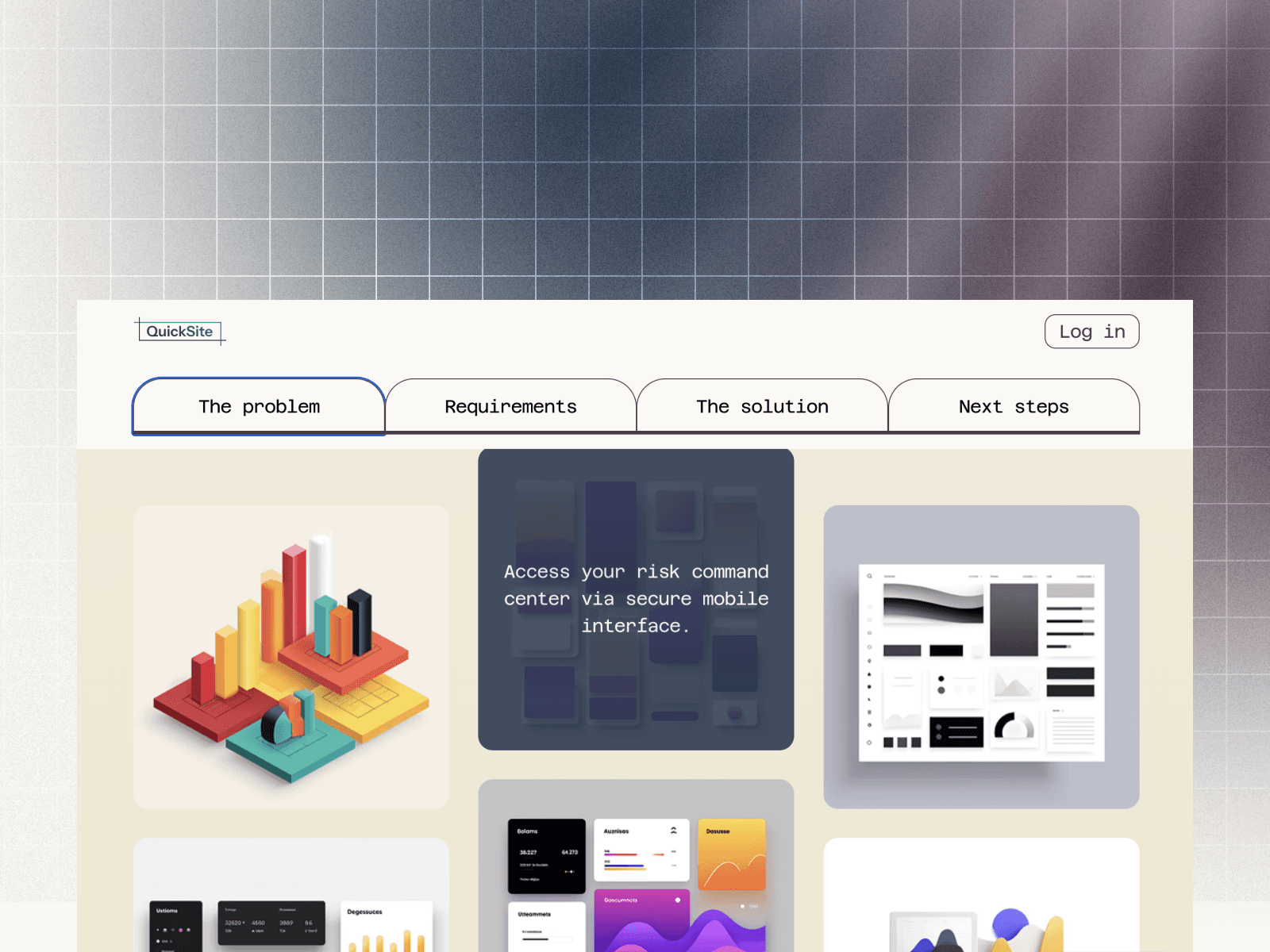
Interactive product gallery
An interactive product area equipped with smooth hover states, allowing you to showcase platform mockups or software screenshots with contextual micro-copy.
3.
Easy Setup Guide
1.
Download your template
Click the Download Free Template button on this page. You will be redirected to our secure storefront to complete the checkout and receive your instant Framer Remix Link via email.
2.
Duplicate to your Framer dashboard
Click the Remix Link provided in your email receipt (or the web modal that pops up after placing an order). This will open a preview page where you can click "Copy" (you will be prompted to log in or create a free account with Framer). This instantly duplicates the template as a new, independent project file in your Framer workspace.
3.
Customize styles and content
Most items in this template are customizable within Framer's intuitive, drag-and-drop, no-code UI. To maintain your brand's look and feel, update the global colors and typography on the /template page first.
Create bespoke proposals
Every time a sales call wraps up, use the following steps to spin up a personalized page for your lead.
4.
Duplicate the master page
In the left-hand Pages panel within the Framer workspace, right-click the template page and select Duplicate.
5.
Create an unguessable URL slug
To prevent external parties from guessing your pipeline, avoid predictable slugs. Generate a random string using a tool like Random.org and append it to your client's name (e.g., /[company name]49a2e8).
6.
Remap the navigation tab
Update the sticky tab links so they point to the right sections of the copied page. The links can easily be updated on the right-hand panel in Framer.
7.
Populate content and publish
Copy and paste your call summaries, upload your product screenshots to the gallery, update the AE contact details, and hit Publish. Send the secure link directly to your lead.
4.
The Web-Native Advantage
This workflow gives your sales team massive competitive advantages over standard PDF attachments.
Real-time engagement analytics
Connect to your Google Analytics account to to see when a prospect opens the page, how long they stay, and how many times they return to review it.
Living document control
Need to adjust your proposal? Simply edit and re-publish. The link updates instantly, eliminating multiple email chains.
Instant expiration features
If a deal stalls, a proposal window closes, or a contract is signed, you can simply unpublish the specific client page to revoke access immediately.
Level up your sales follow up today
Use AI summaries and a pre-built template to scale a premium, professional sales follow-up process.